
White space is the empty area around and between your design elements, and it's doing more work than most things you paid for. Used well, it makes text easier to read, directs attention to what matters, and makes a site feel expensive. Cramming every pixel full doesn't say "we have a lot to offer". It says "we couldn't decide".
Why does empty space make people read more?
Because reading on a screen is hard work, and margins and spacing lighten it. Researchers at Wichita State University's usability lab compared on-screen text layouts and found that text with proper margins was read with better comprehension than text stretched across the full width of the screen.
The effect is easy to feel. Open any article on a cramped news site, then open the same kind of piece on a well-set blog. One makes you squint and skim. The other pulls you down the page. Same words, different air.
White space is also your cheapest weapon against mental overload. Every bit of breathing room reduces how much the visitor's brain has to process at once. That's not a vibe, it's cognitive load, and it quietly decides your conversion rate.
What does white space signal about your brand?
Think about physical retail. A discount store packs shelves to the ceiling. A luxury boutique displays ten items in a room that could hold a thousand. The product gets value from the space around it.
Websites work the same way. Generous spacing reads as confidence: "we know what matters and we're showing you exactly that". Clutter reads as desperation. If your positioning says premium but your homepage looks like a flea market, visitors believe the homepage.
How do you use white space deliberately?
- Protect your margins. Keep line length readable (roughly 50 to 75 characters) and give text columns real side margins instead of letting them run wall to wall.
- Use macro space to separate, micro space to group. Big gaps between sections tell visitors "new topic". Tight spacing within a card tells them "these belong together". Spacing is your invisible grid of meaning.
- Give your CTA a moat. The more empty space around a button, the more it pulls the eye. If your primary CTA is jostling with three widgets, it's losing.
- Create hierarchy with space, not just size. You don't need a bigger headline; often you need more room above it. Space before an element is a drumroll.
- Don't fear the scroll. Spreading content vertically with generous spacing beats compressing it into a dense first screen. People scroll. We wrote about why in the fold is dead, long live scrolling.
Who does this brilliantly?
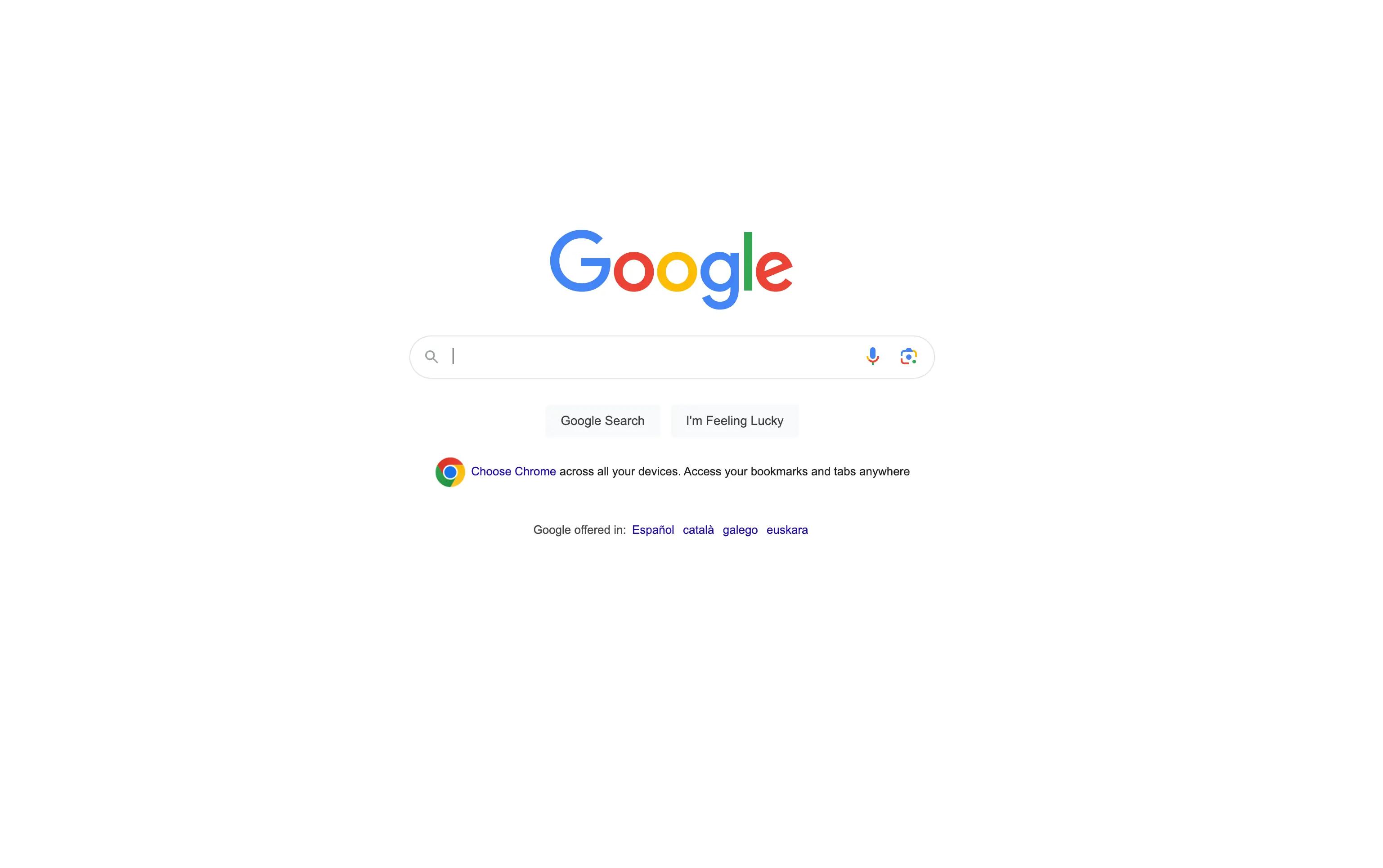
Google built the most visited page on the internet out of almost nothing: a logo, a box, two buttons. The emptiness is the design. It makes the one action you can take unmissable.
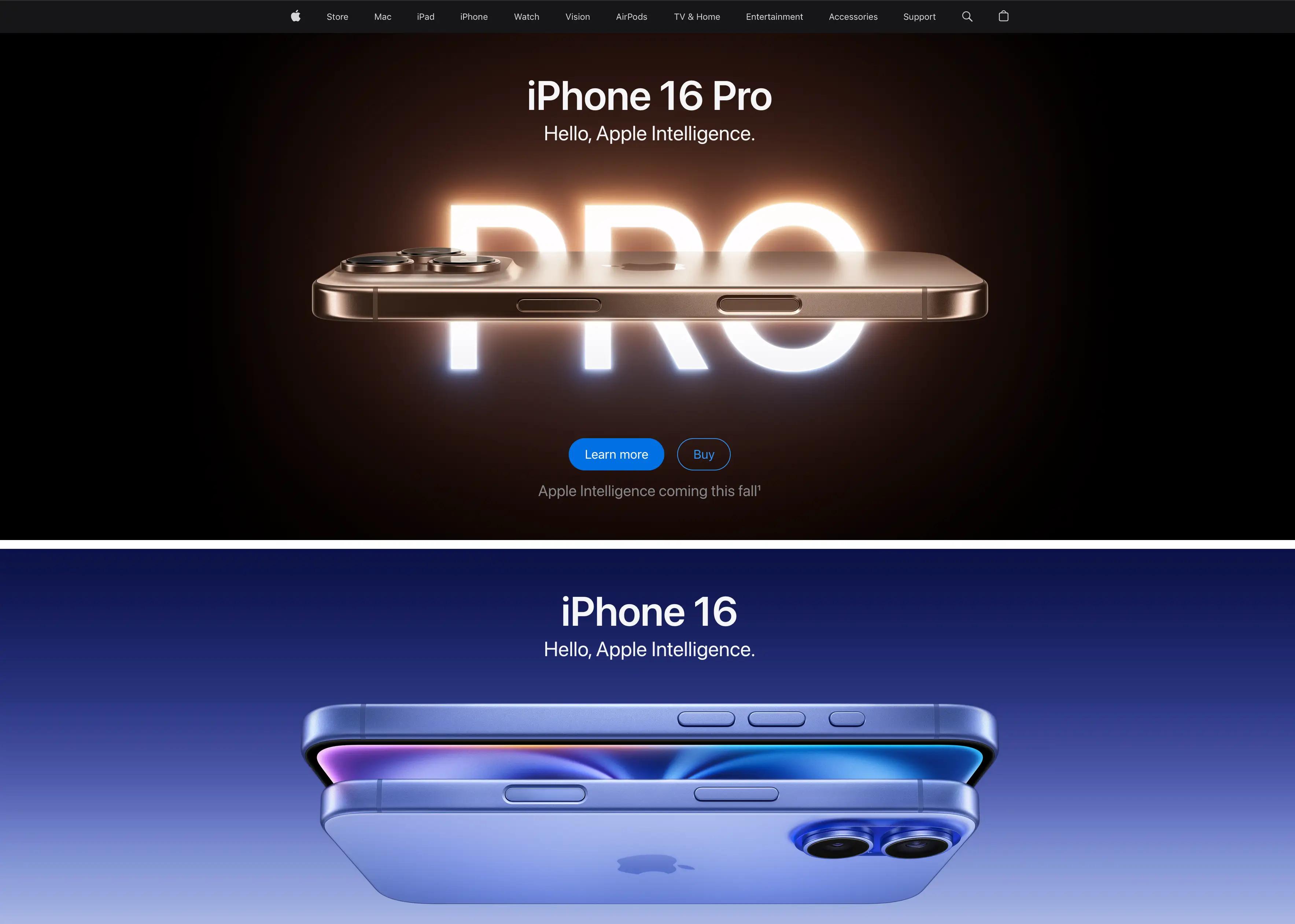
Apple sells thousand-dollar devices with product pages that are mostly air. One product, one headline, acres of space. The restraint does the persuading.
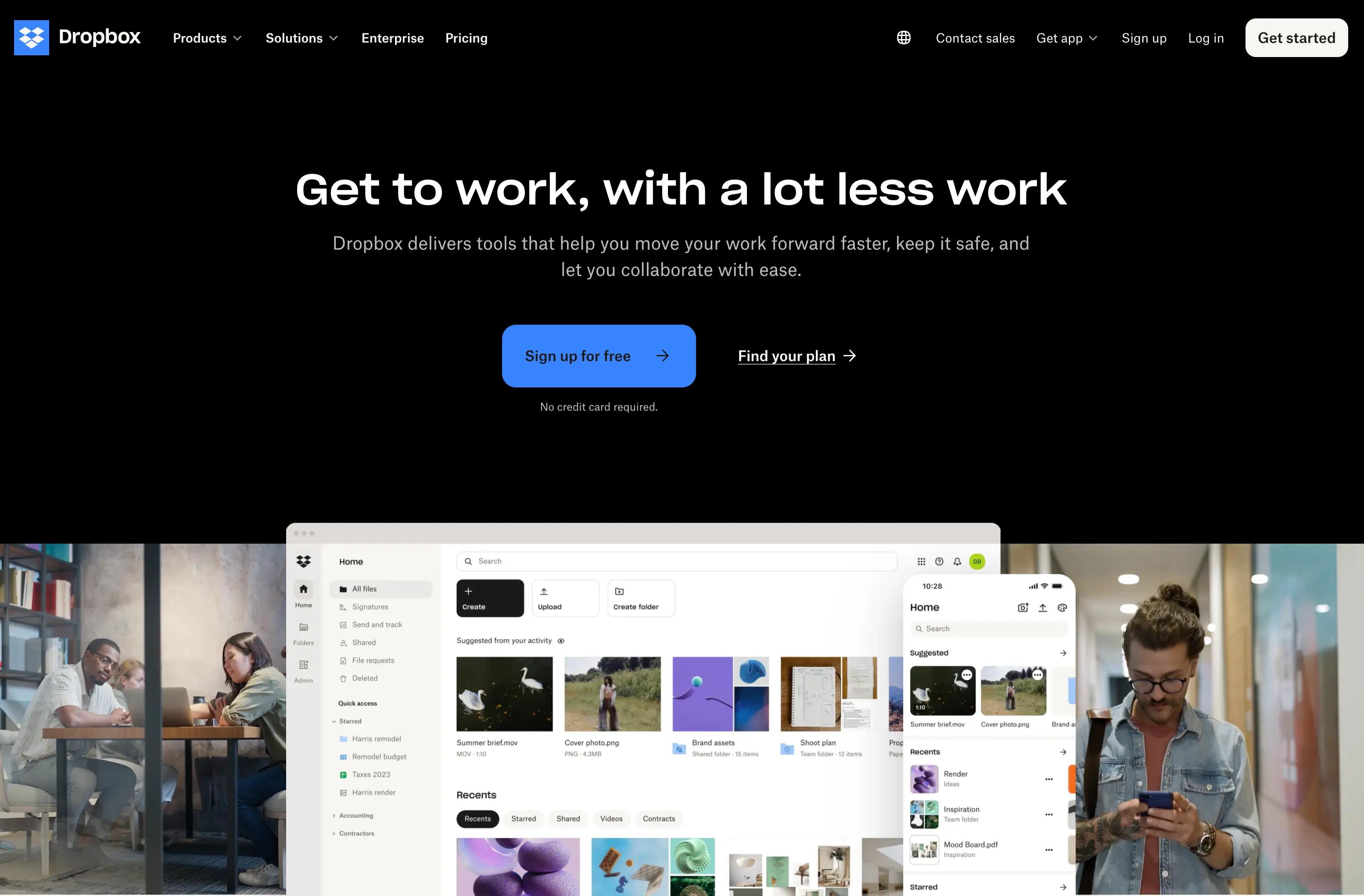
Dropbox turned a potentially dry product (file storage) into a calm, friendly experience largely through spacing and simplicity. Nothing shouts, so everything gets heard.
White space is a decision, not a leftover
Here's the mindset shift: white space isn't what remains after you place your content. It's an element you place on purpose, like a photo or a headline. The best-designed pages feel effortless precisely because someone fought for every gap. Good spacing is part of what makes design invisible in the best way.
So before you add one more thing to that page, try the opposite. Remove something, widen the gaps, and watch what happens to the thing you actually want people to see.
FAQ
Does white space have to be white?
No. It's any unoccupied space, whatever the background color. Designers also call it negative space. A black page with generous spacing has plenty of white space.
Won't white space push important content below the fold?
Some of it, yes, and that's fine. A clear, breathable first screen gets more people scrolling than a crammed one. Prioritize one message up top and let the rest unfold down the page.
How much white space is too much?
When related items drift so far apart that users stop seeing the connection, or when a simple task starts requiring extra scrolling and hunting. Space should clarify relationships, not dissolve them.