
If you're choosing a course hosting platform, here's the short version: Kajabi if your course is a whole business, Thinkific if you want power without complexity, Skool if community is the product. The rest of this list covers the specialists, the budget picks, and the marketplaces.
At Dee7 Studio we've built landing pages and full websites for course creators, coaches, and digital schools, and one question keeps coming back: can I just host my course on Webflow? We've done it twice, so we can tell you honestly: yes, it's possible, but it takes heavy custom code and video hosting gets expensive fast. For most creators, a dedicated course platform wins. If you're curious what Webflow is actually great at, we wrote about that in our Webflow development guide.
One caveat before the list: course platform pricing changes often, and several of these companies restructured their plans recently. Treat every price below as "at the time of writing" and check the vendor's pricing page before you commit.
The quick ranking
- Kajabi
- Thinkific
- Skool
- GoHighLevel
- LearnWorlds
- Teachable
- Podia
- Udemy
- Coursera / edX
- OpenLearning
1. Kajabi: best all-in-one course platform
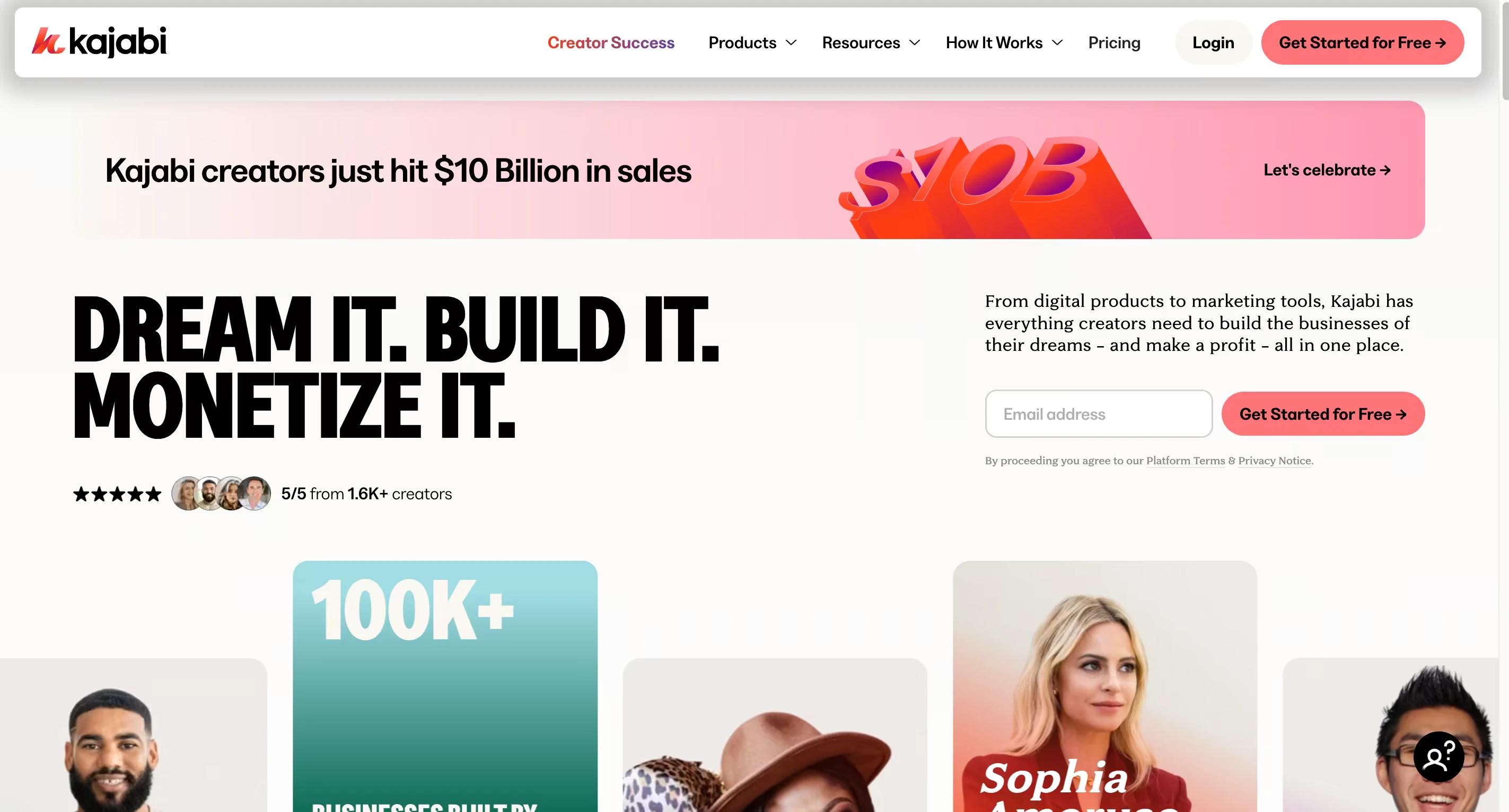
Best for: creators who want everything in one place: course hosting, marketing funnels, email automation, memberships, and a branded mobile app.
Why we rate it: Kajabi replaces a whole stack of tools. You sell courses, build email lists, and run memberships without stitching together integrations, which is exactly where most creator tech setups fall apart.
Price: Kajabi dropped its cheap entry plan in a 2025 restructure, so budget roughly $150 to $200 per month to start, less on annual billing. It's the most expensive pick on this list, and for a real course business, still often the smartest one.
2. Thinkific: best for coaches and educators
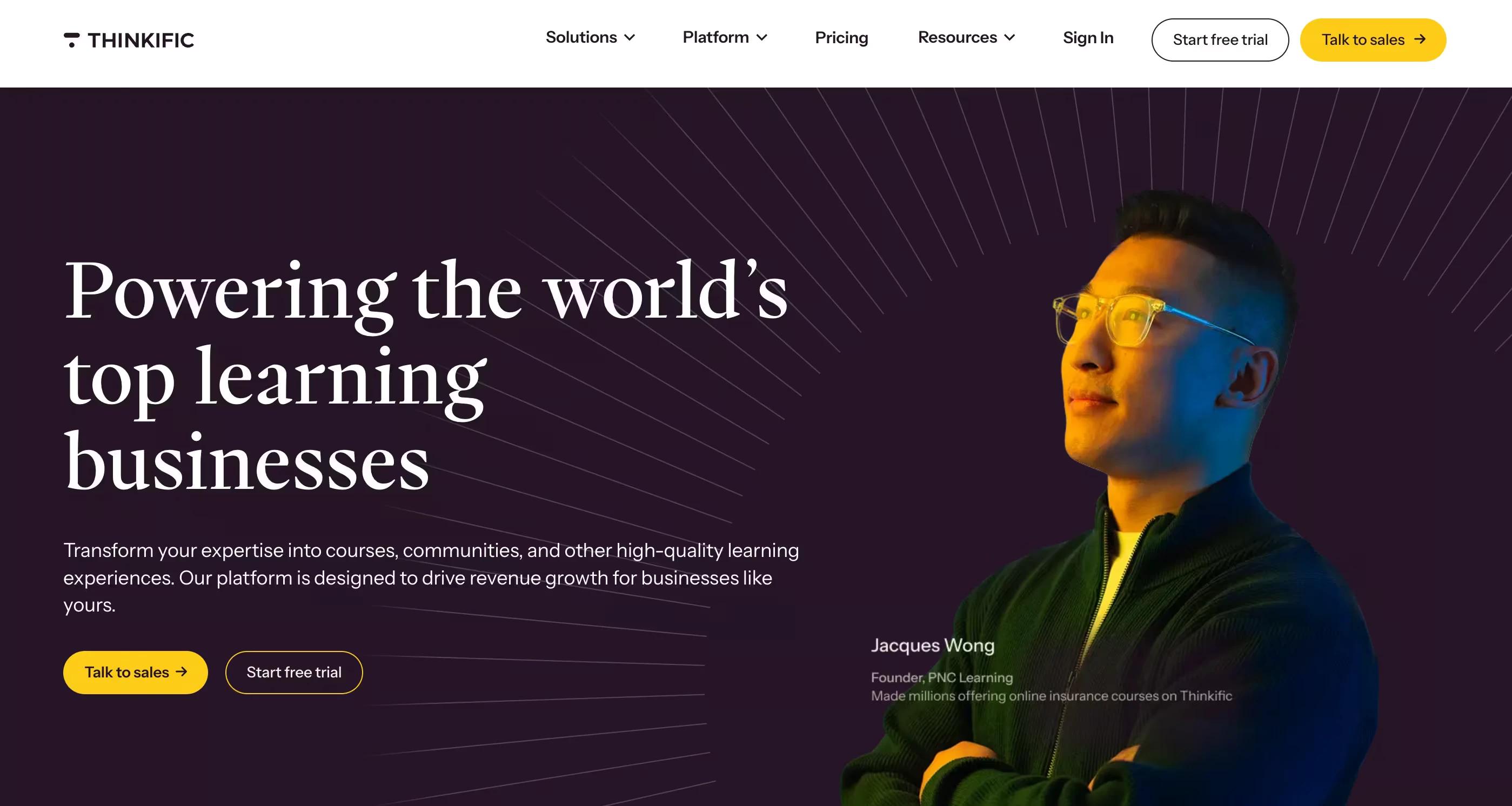
Best for: coaches and educators who want a customizable course site with minimal tech headaches.
Why we rate it: quizzes, drip schedules, communities, and real design flexibility without the learning curve. And Thinkific charges no transaction fees on any paid plan, which is rarer than it should be.
Price: paid plans start around $49 per month. The old free plan is gone; there's a 14-day trial instead.
3. Skool: best community-based platform
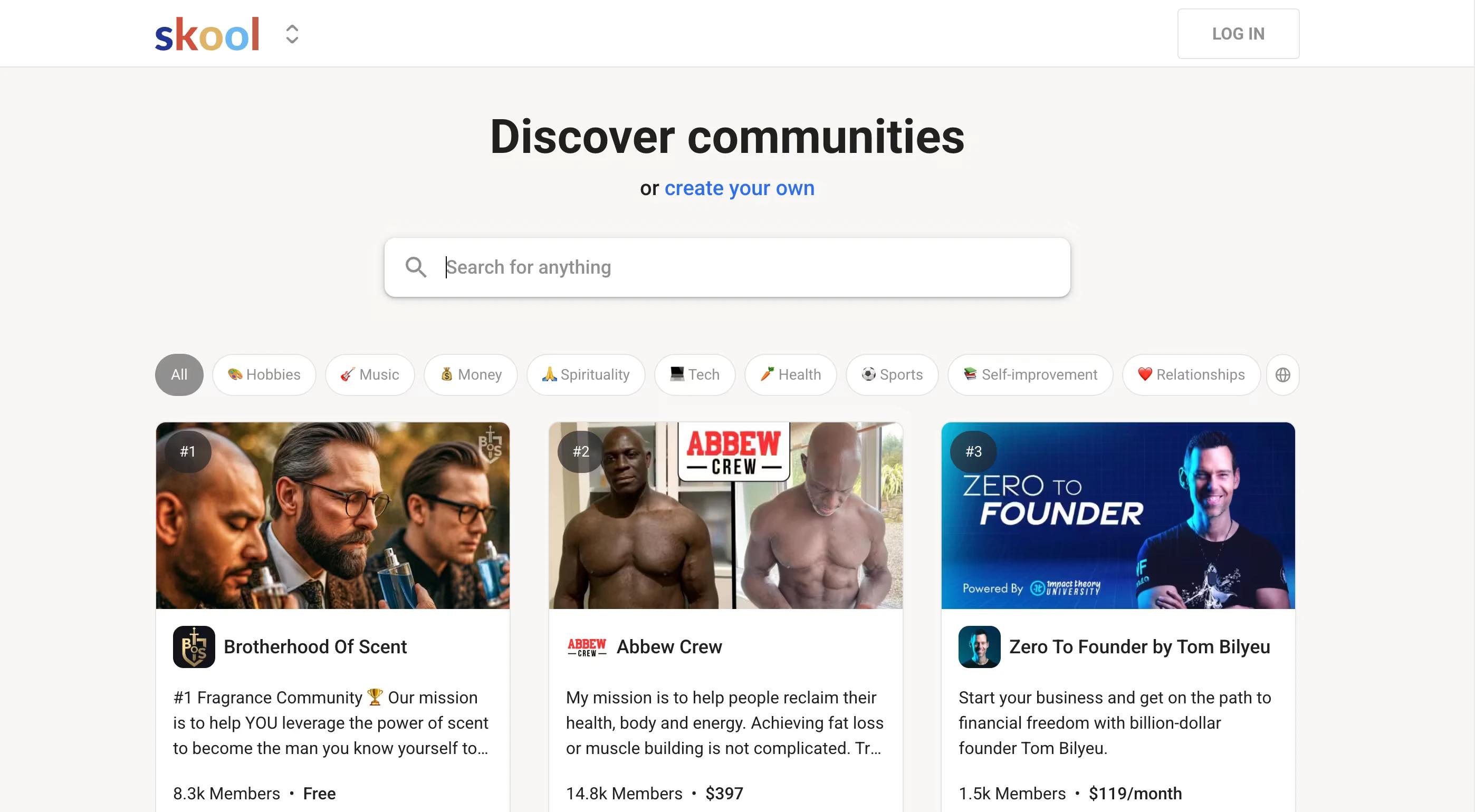
Best for: membership communities, masterminds, and group coaching where engagement is the product.
Why we rate it: Skool merges courses with a genuinely active community feed, gamification, and leaderboards. People show up daily, which is something most course platforms never achieve.
Price: Skool added a cheaper tier in 2025: a Hobby plan around $9 per month with a roughly 10 percent transaction fee, and the classic Pro plan at $99 per month with standard payment processing fees only.
4. GoHighLevel: best for marketing automation plus courses
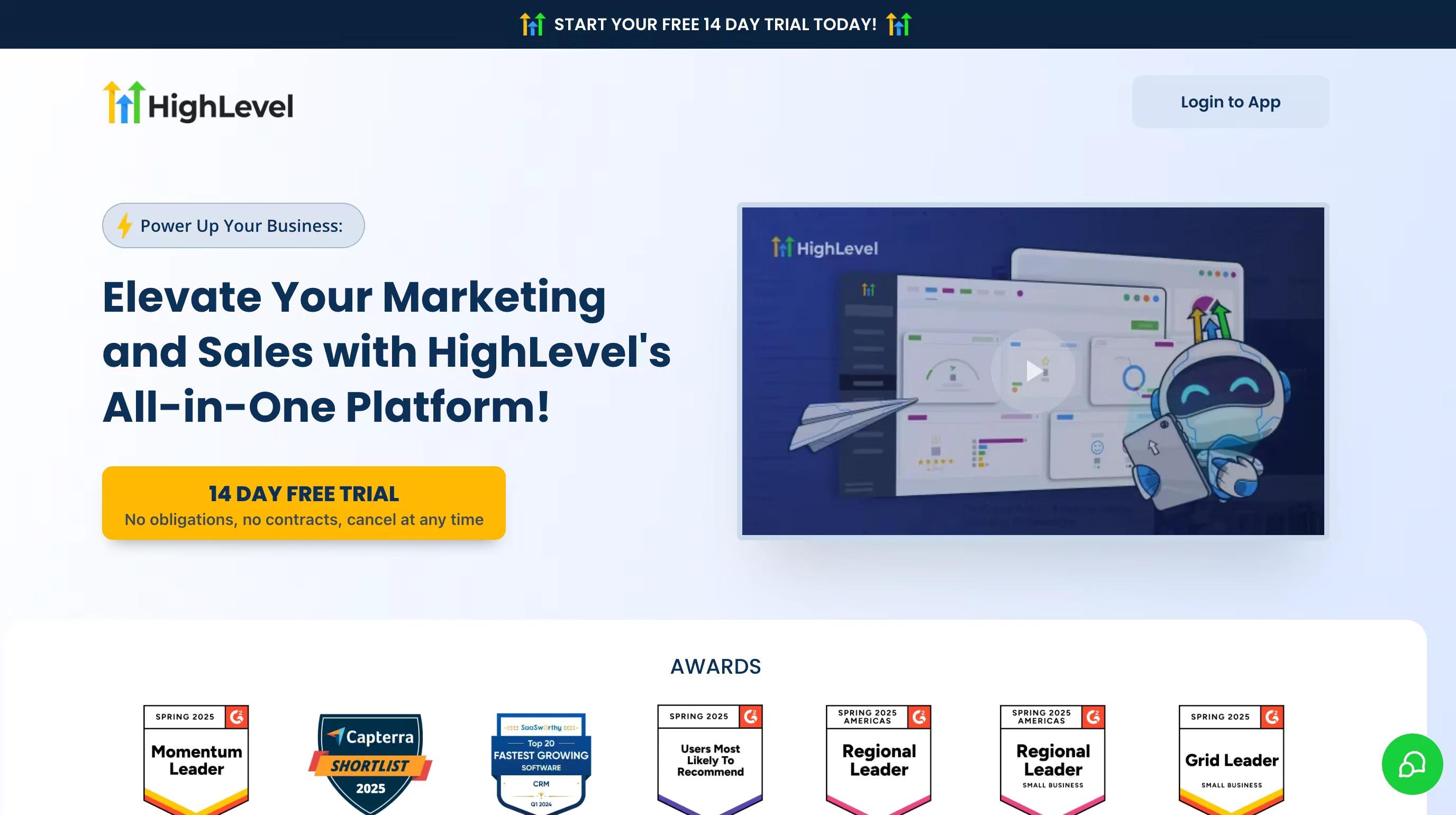
Best for: advanced marketers and agencies building a full funnel-plus-course ecosystem.
Why we rate it: CRM, email and SMS automation, landing pages, memberships, and course hosting under one roof. If you live and breathe pipelines and upsells, this is your tool. If you don't, the interface will feel like a cockpit.
Price: around $97 per month for Starter and $297 for Unlimited, plus usage-based fees for SMS, calls, and email volume.
5. LearnWorlds: best for interactive learning
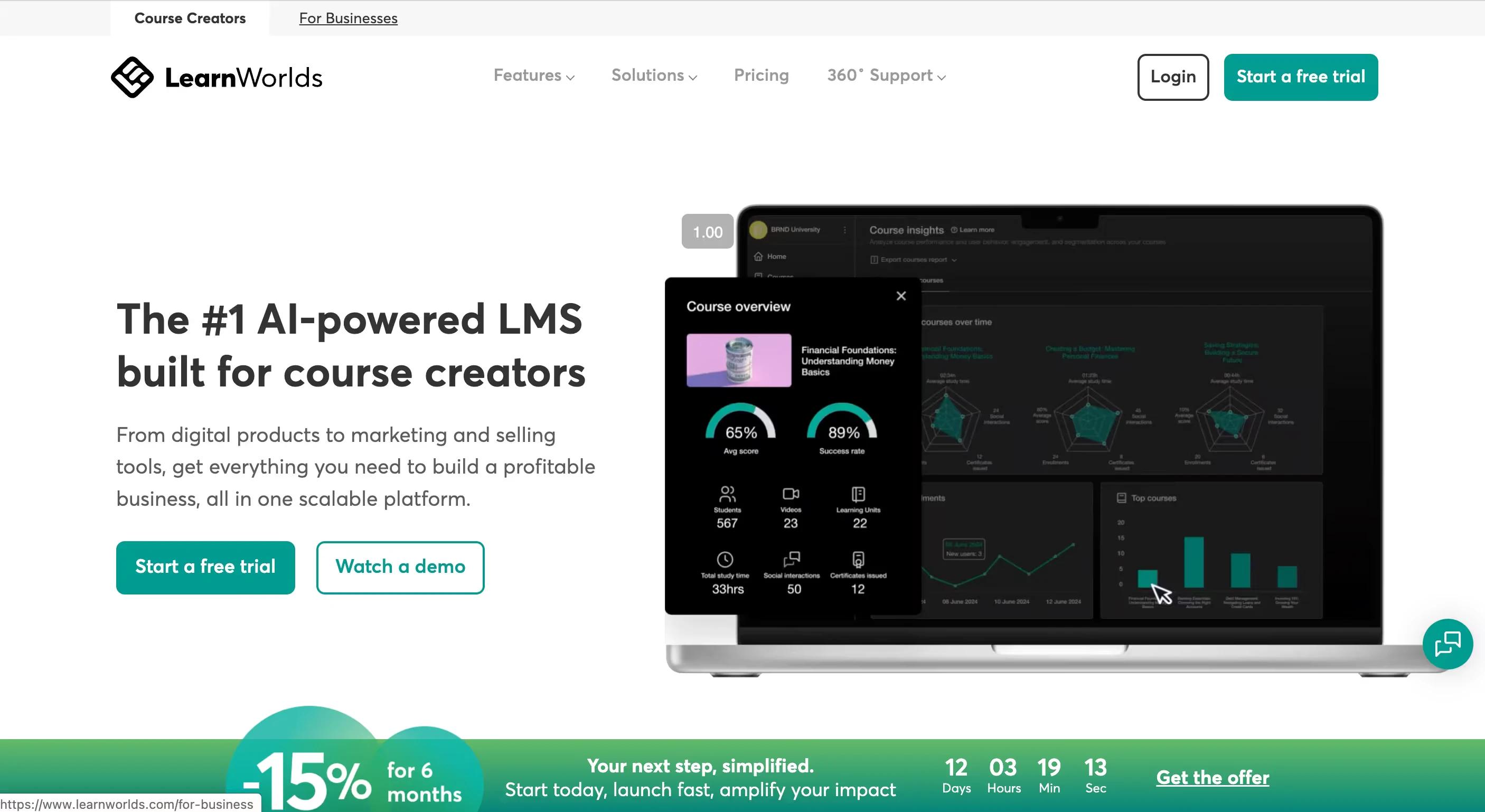
Best for: corporate training and courses where interaction drives completion.
Why we rate it: native interactive video, quizzes, assessments, and certificates, no third-party plugins. It feels built by people who care about pedagogy, not just checkout pages.
Price: the Starter plan runs about $24 to $29 per month plus a $5 fee per course sale; the Pro Trainer plan at roughly $79 to $99 per month removes transaction fees.
6. Teachable: best all-rounder for beginners
Best for: creators launching their first professional course who want a simple setup with the core features intact.
Why we rate it: clean interface, solid analytics, affiliate tracking, and reliable hosting. It gets out of your way.
Price: from around $39 per month. Watch the fine print: the cheapest tier carries a per-sale transaction fee, so model your numbers before picking a plan.
7. Podia: best budget-friendly platform
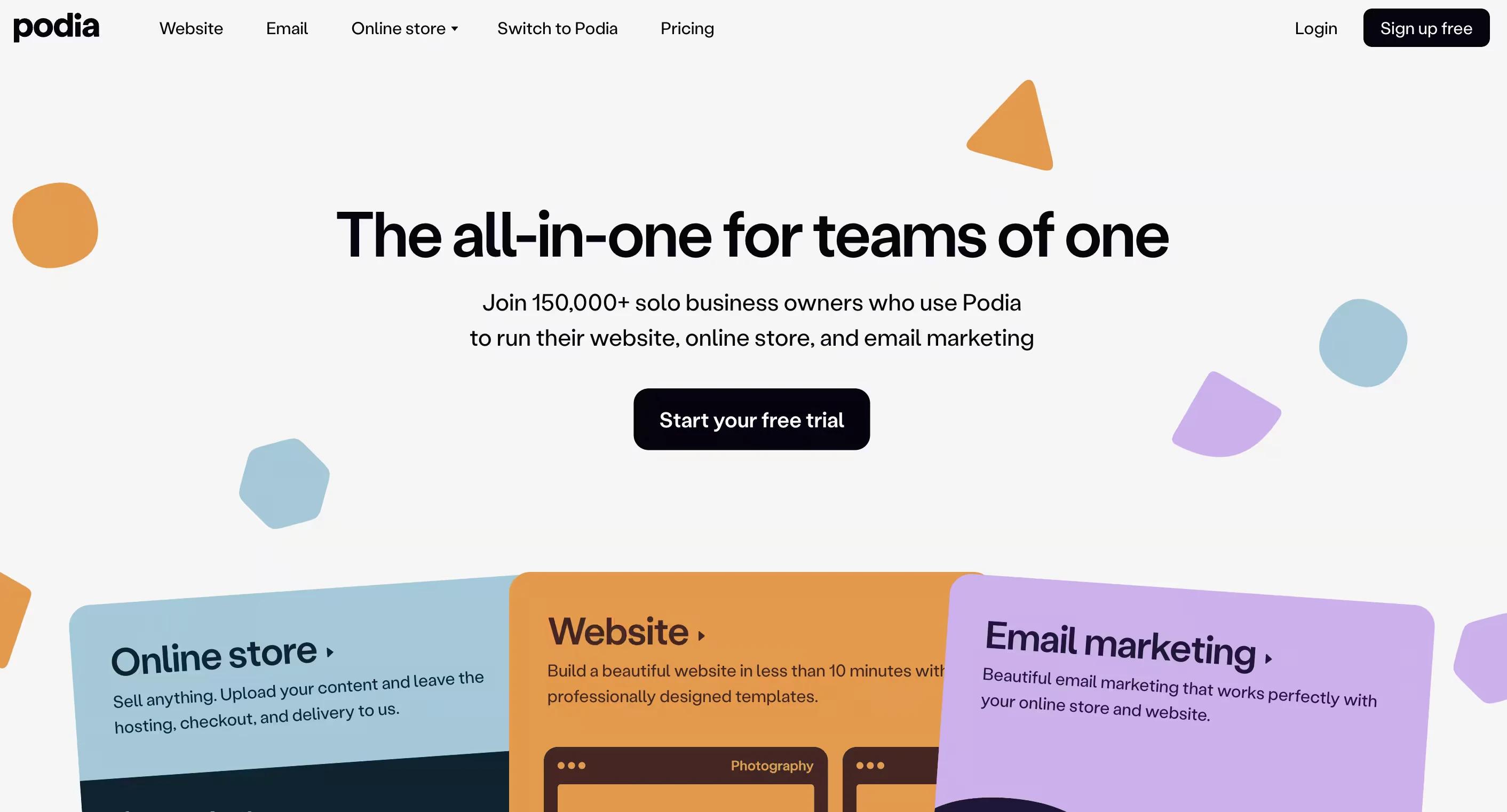
Best for: budget-conscious creators selling courses alongside digital downloads.
Why we rate it: a simple builder, good-looking sales pages, and built-in email marketing. It's the lowest-friction way on this list to test a first offer.
Price: plans start around $39 to $49 per month; the cheaper tier takes a cut of each sale, the higher tier doesn't.
8. Udemy: best for marketplace reach
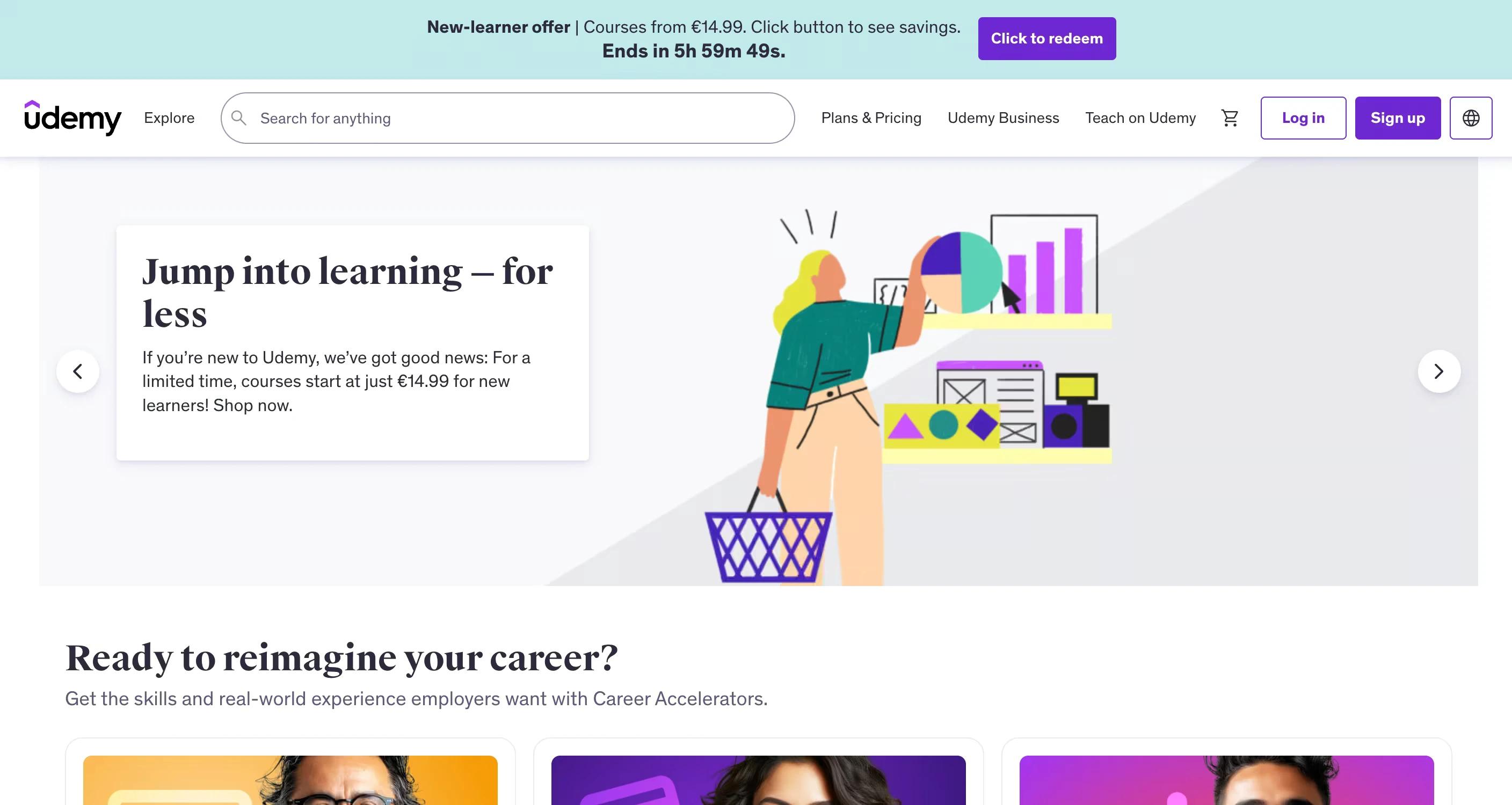
Best for: reach without doing your own marketing.
Why we rate it: Udemy puts your course in front of millions of learners, and publishing is free.
The catch: Udemy controls pricing and keeps a substantial share of marketplace sales, and you don't own the student relationship. Great for exposure and social proof, weak as a standalone business model.
9. Coursera and edX: best for academic credibility
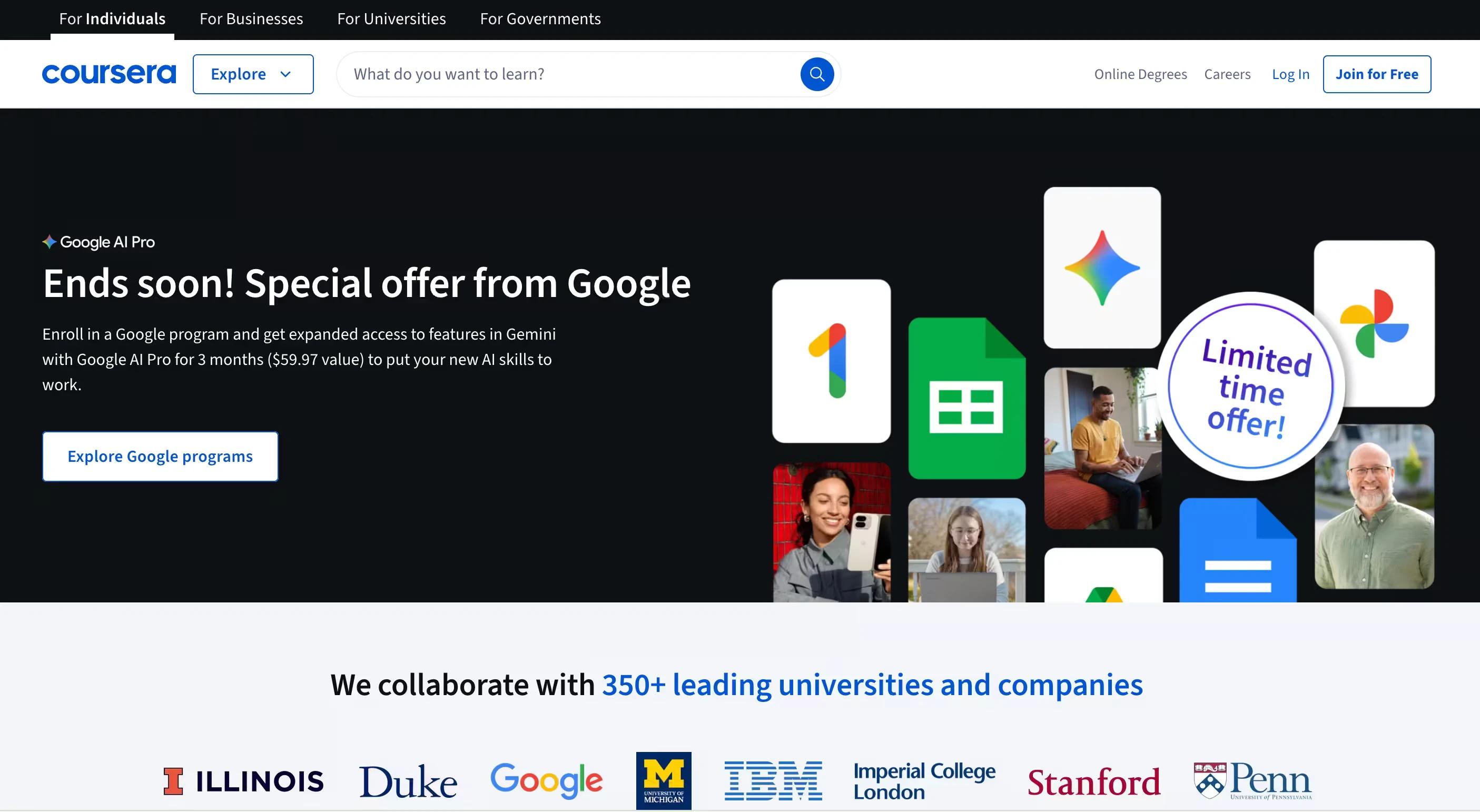
Best for: university-level and certification courses.
Why we rate it: both platforms partner with universities and established institutions, so the credibility transfers to your course. Many courses are free to audit, with paid certificates.
The catch: these are partnership platforms, not self-serve tools. Realistic only if you're attached to an institution or organization.
10. OpenLearning: best for social learning
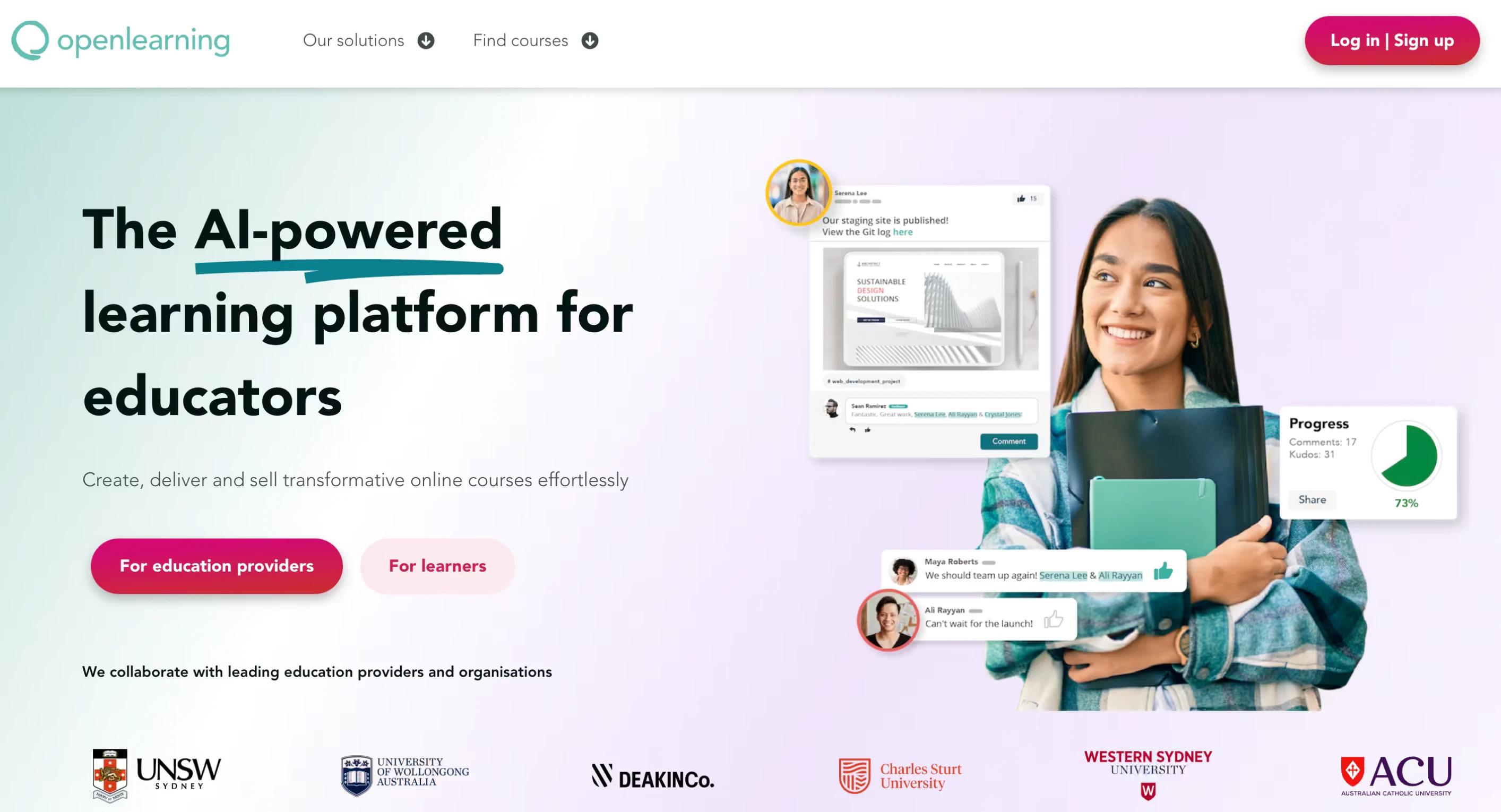
Best for: collaborative, project-based group courses.
Why we rate it: the whole platform is designed around peer learning and activity, not passive video watching. It's an Australian company that's still growing steadily, mostly in education markets.
Price: varies by scale; third-party listings disagree on exact figures, so ask for a quote. Marketing tools are lighter here than on the creator-focused platforms above.
How to choose: match the platform to your model
- Full business system: Kajabi, GoHighLevel, or Thinkific.
- Community and engagement first: Skool.
- Interactive and corporate training: LearnWorlds.
- First course on a budget: Podia or Teachable.
- Reach over ownership: Udemy.
We've worked with these platforms while building client projects at Dee7 Studio, and the honest answer is that the "best" one depends on your business model, your tech comfort, and whether you'd rather own your audience or borrow one.
FAQ
Can you host a course on Webflow?
Technically yes, and we've done it for clients. But it requires heavy custom code, membership workarounds, and external video hosting. For most creators, a dedicated course platform is cheaper and far less fragile.
What is the cheapest way to launch an online course?
Skool's entry tier or Podia's starter plan get you selling for under $50 a month. Just check transaction fees: a cheap plan with a 5 to 10 percent cut can cost more than a pricier flat-fee plan once sales pick up.
Should you sell on your own platform or on Udemy?
Both, if you can. Udemy brings reach and social proof, but it controls pricing and owns the student relationship. Your own platform is where margins and email lists live.