

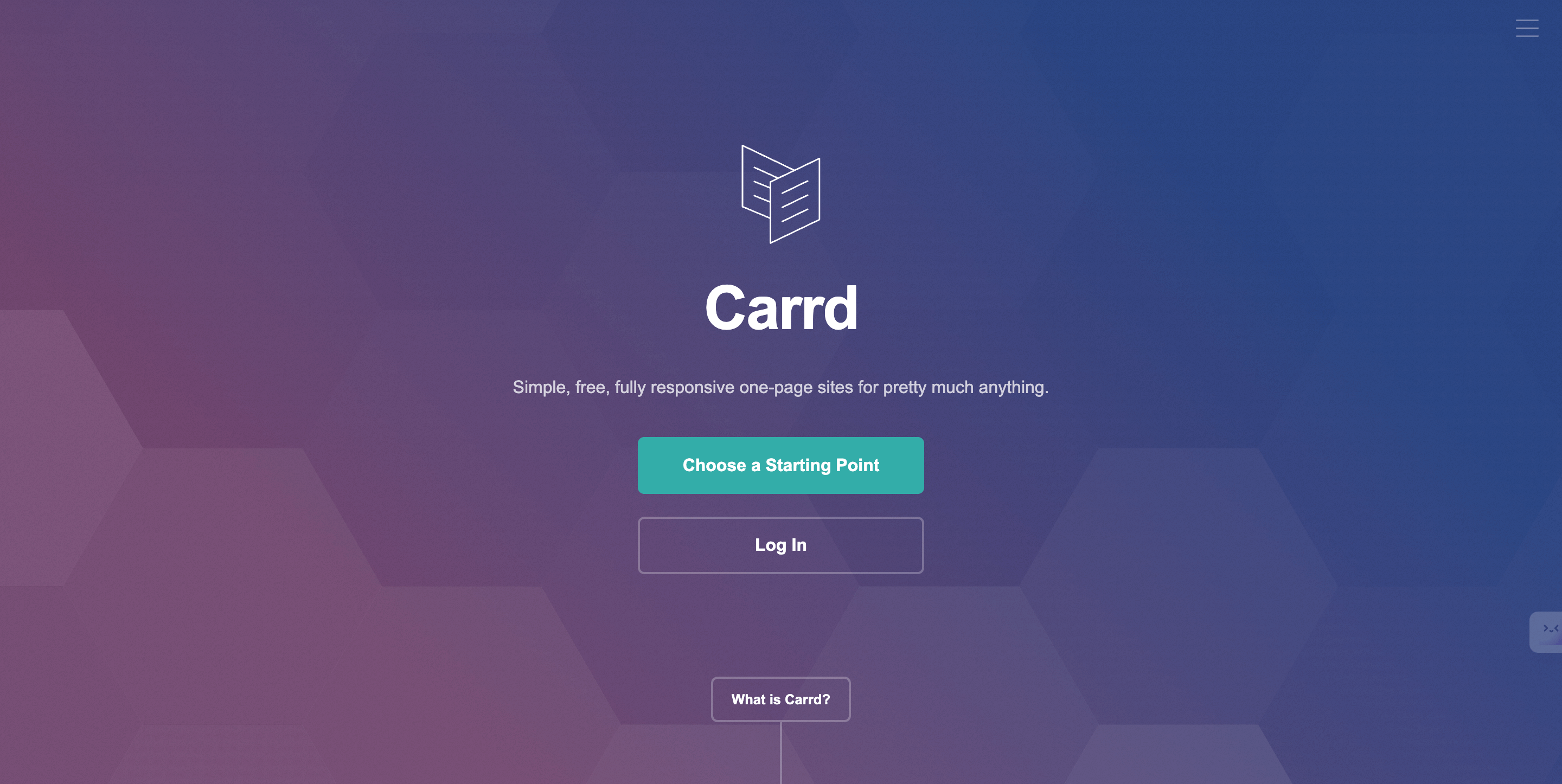
Carrd is the fastest, cheapest way to put a professional one-page website online: design the page in Figma, rebuild it in Carrd's editor, publish. The whole cycle fits in a weekend, and the paid plans cost less per year than most builders charge per month.
This guide walks through that exact workflow: when Carrd is the right call, how to design in Figma first, and how to translate the design into a live site.
A note on where this comes from: the original version of this guide was contributed by Andrej, a freelance web designer who has shipped many client sites with the Figma-to-Carrd workflow. You can find him at andrejthefreelancer.com.
Is Carrd the right tool for your website?
Carrd builds one-page sites. That's not a limitation to work around; it's the point. For a freelancer portfolio, a product landing page, a waitlist, or a link-in-bio page, one well-structured page converts better than five thin ones.
Where Carrd shines:
- Price. There's a free plan (up to three sites on a carrd.co subdomain, with Carrd branding). Paid tiers run roughly $9 to $49 per year at the time of writing: the mid "Pro Standard" tier, around $19 a year, is the sweet spot because it adds custom domains, forms, and more sites.
- Speed. The editor has maybe a tenth of the options of Webflow or WordPress, which is exactly why you'll finish. Fewer decisions, faster shipping.
- Responsiveness by default. Carrd sites adapt to phone, tablet, and desktop without you building separate layouts.
Where it doesn't: blogs, online stores, multi-page marketing sites, or anything needing a CMS. If your site will grow past one page, start on a platform built for that instead. For proof of how far one page can go, see our roundup of top Carrd-designed websites.
Why design in Figma before touching Carrd?
Building directly in any site builder leads to the same trap: you fiddle with spacing for an hour before deciding what the page should say. Designing first in Figma separates thinking from building.
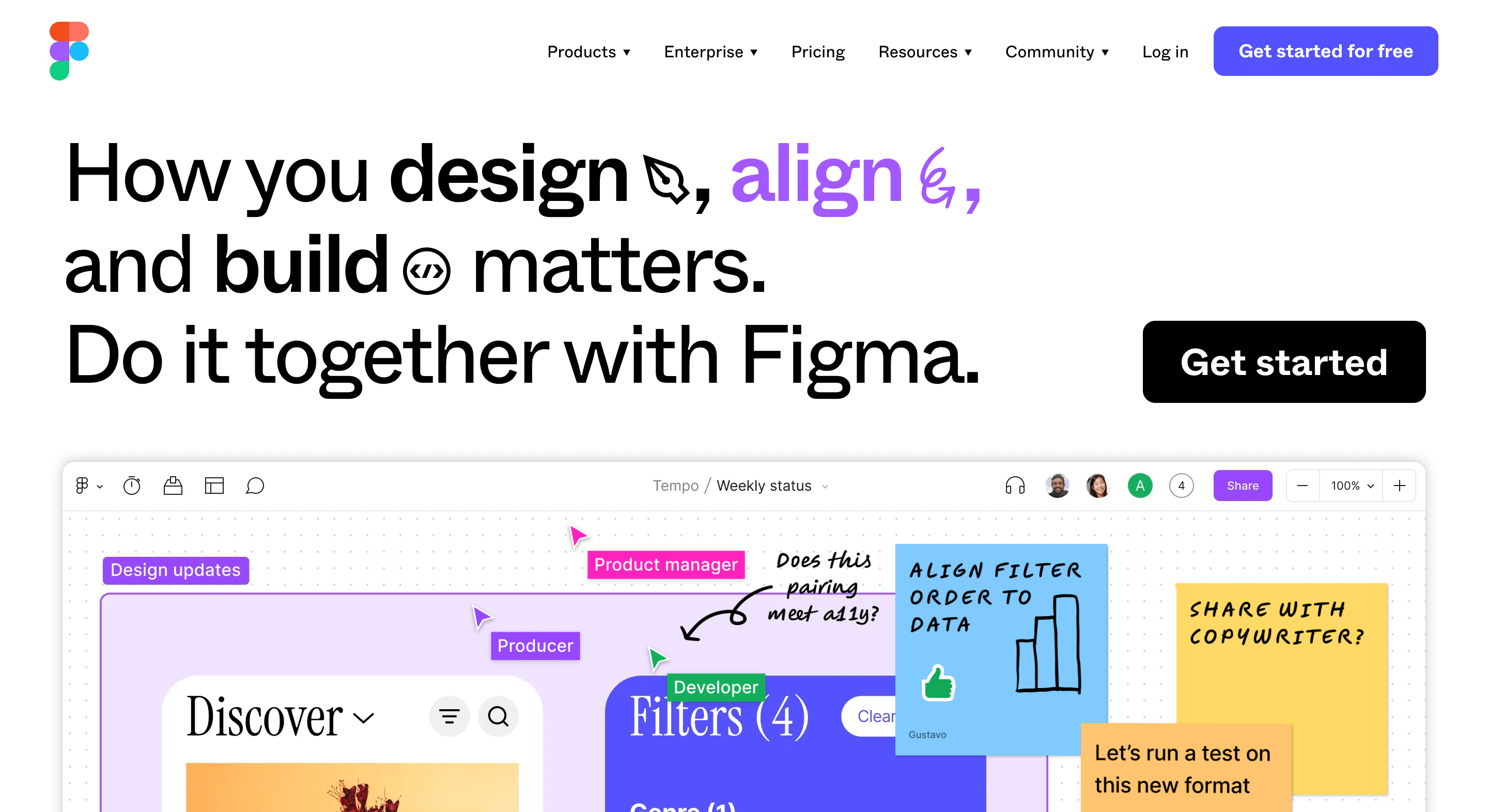
Figma is the industry-standard interface design tool (now a public company, after Adobe's planned acquisition fell through), and its free Starter plan covers everything this workflow needs: layouts, real content, and a shareable preview for feedback. We've written more about why we design there in website design in Figma.
The Figma design process, step by step
- Create a desktop-width frame (1440px is a safe default) and block out the sections: hero, proof, offer, FAQ, contact. Grey boxes first; no colors, no fonts.
- Write the real copy. Placeholder text produces placeholder design. Your headline is the hardest and most important element on the page, so write it now.
- Add real images and brand elements. Your actual photos, your logo, your two brand colors, one or two typefaces. Restraint is what makes a cheap site look expensive.
- Design the mobile version. Duplicate the frame at roughly 375px wide and restack the sections. Most of your visitors will see this version, not the desktop one.
- Get one round of feedback. Share the Figma link with someone in your target audience and ask one question: what do we sell, and what would you click? Fix what confused them.
How do you build the site in Carrd?
With the design settled, the Carrd build is mostly transcription.
- Start from a blank canvas or the closest template. Templates save time, but since you already have a design, blank is often faster than undoing someone else's choices.
- Rebuild section by section. Carrd works with stacked elements (text, images, buttons, forms) and container elements for columns. Work top to bottom, copying text straight from your Figma file.
- Match your styles once, then reuse. Set your fonts and colors on the first elements, then duplicate those elements instead of styling new ones from scratch. Consistency comes free that way.
- Check the mobile view. Carrd handles stacking automatically, but verify that nothing overlaps and buttons stay comfortably tappable.
- Connect the plumbing, then publish. On a paid plan, hook up your custom domain and point the contact form at your email or a tool like Mailchimp. Preview, click every link, then hit publish.
Total build time for a designed one-pager: typically two to four hours, even on your first attempt.
FAQ
Is Carrd free to use?
Yes, with limits: free sites live on a carrd.co subdomain, carry Carrd branding, and skip features like forms and custom domains. The paid plans that unlock those run roughly $9 to $49 per year at the time of writing.
Can you build a multi-page website with Carrd?
Not really. Carrd is built for one-page sites; you can fake simple page switches with sections, but anything beyond a few views belongs on a multi-page platform like Webflow or Framer.
Do you need to know how to code?
No. Both Figma and Carrd are fully visual. Carrd's higher tiers let you embed custom code if you want extras like analytics or widgets, but the core workflow never requires it.
Is Figma really free for this?
Yes. Figma's free Starter plan handles a single site design comfortably, including sharing a live preview link for feedback.