

The best website builder in 2025 depends on what you're building: Wix and Squarespace for all-in-one simplicity, Webflow for custom design and scale, Shopify for e-commerce, Carrd for one-pagers. There is no single winner, and anyone who tells you otherwise is selling something.
We've built client sites on most of these platforms over the years (Webflow is our daily driver), so these rankings come from hands-on work, not affiliate spreadsheets. One note on pricing: builders change their plans often, so every price below is an approximate range at the time of writing. Check the vendor's page before you commit.
The quick ranking
- Wix
- Squarespace
- Webflow
- WordPress.org
- Shopify
- Framer
- Carrd
- Duda
- Hostinger Website Builder
- Elementor (with WordPress)
1. Wix: best all-in-one builder
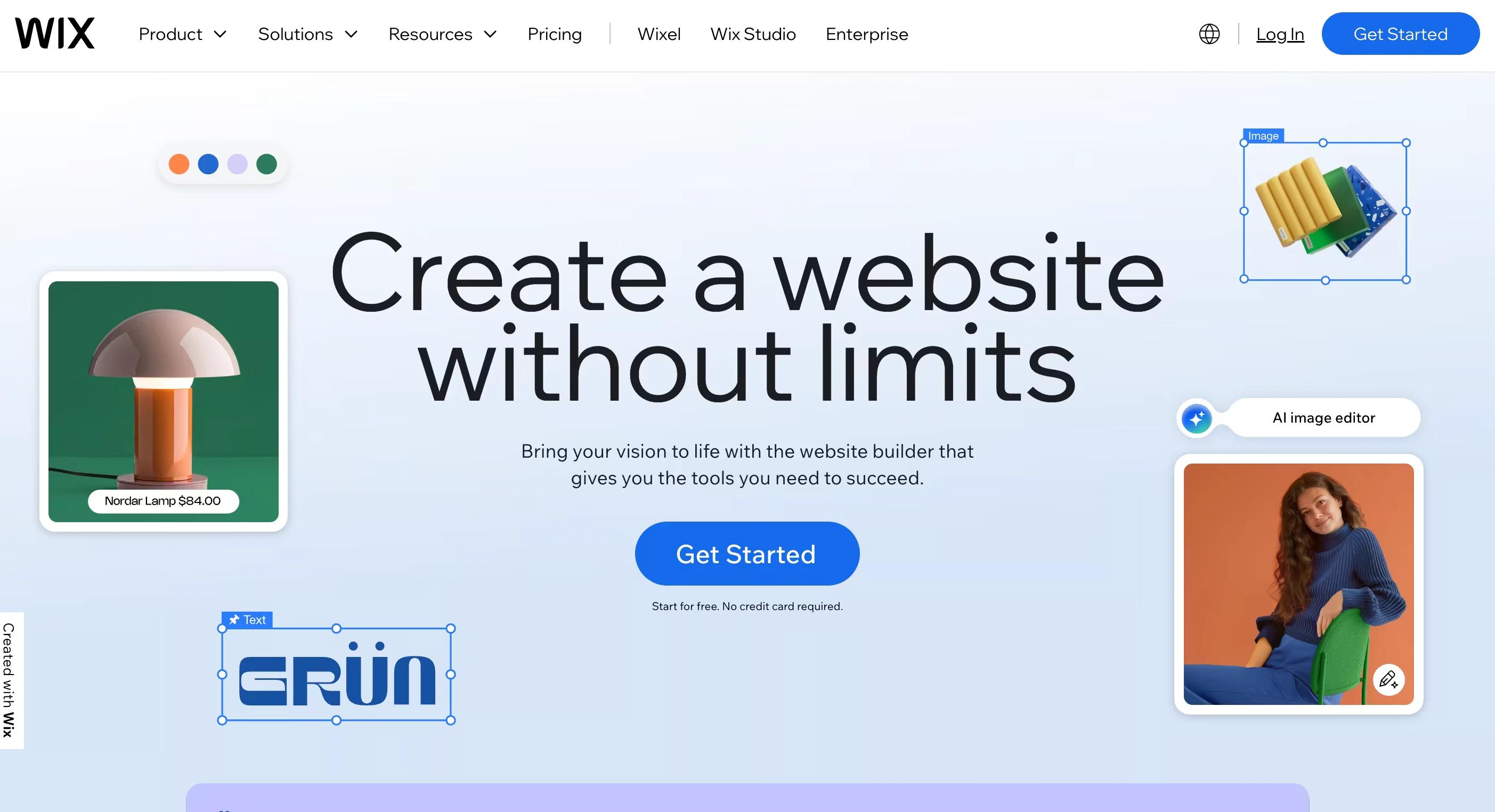
Best for: small businesses, freelancers, and creators who want one tool that does everything.
Why it ranks first: the drag-and-drop editor is genuinely easy, the template library is huge (900+), and the app marketplace covers almost any feature you'll want later: bookings, events, memberships. The AI setup tools have matured from gimmick to genuinely useful.
Watch out for: you can't switch templates after launch without rebuilding, and busy drag-and-drop freedom makes it easy to design yourself into a mess.
Pricing: free plan with Wix branding; paid plans run roughly $17 to $159 a month depending on features.
Verdict: the safest pick when you want speed and breadth without code.
2. Squarespace: best for visual branding
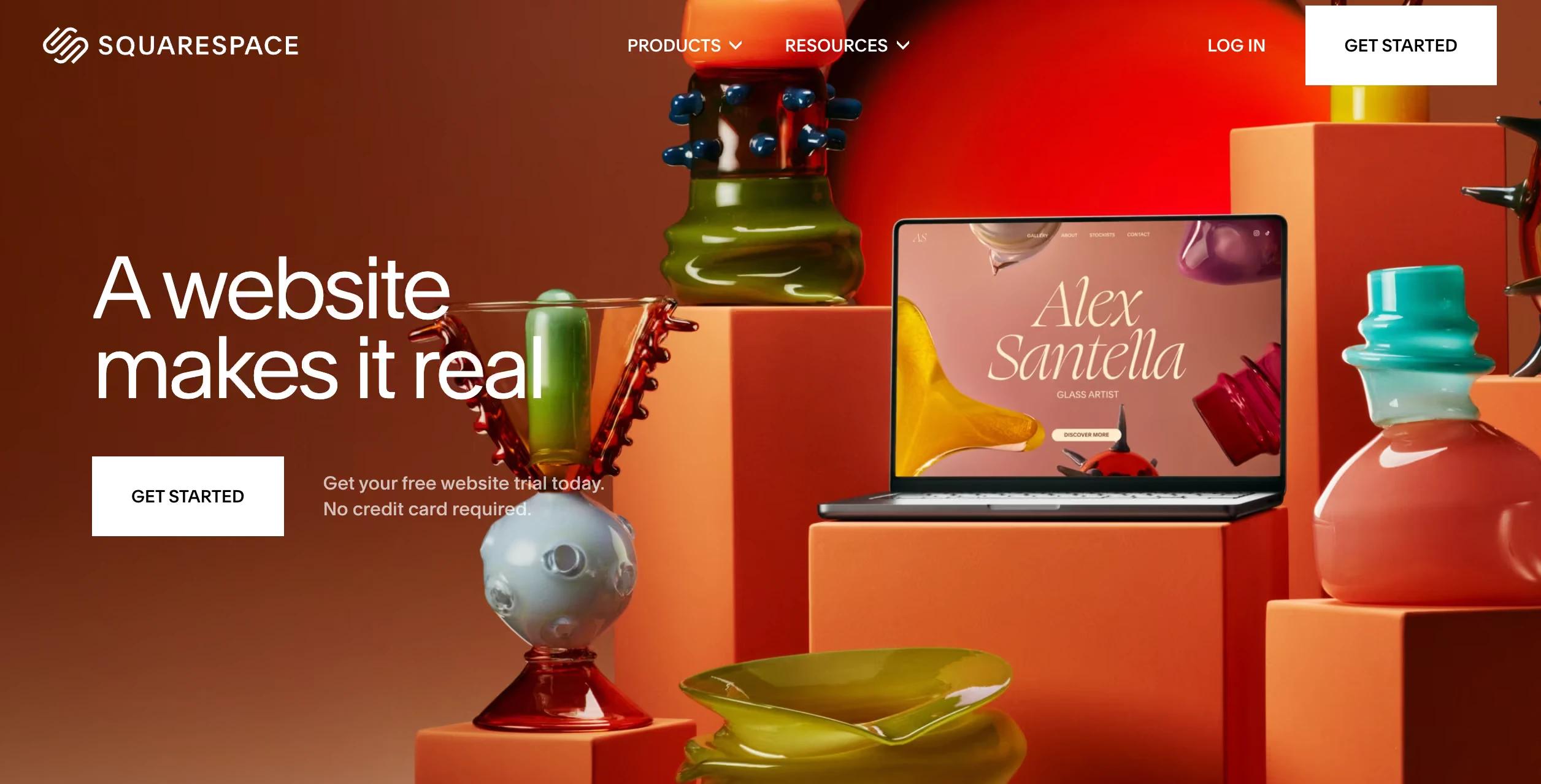
Best for: creatives, studios, and brands that want a polished site with minimal effort.
Why we rate it: the templates are the best-looking defaults in the industry, and blogging, e-commerce, scheduling, and email are all built in. It's hard to make a Squarespace site look bad, which is exactly the point.
Watch out for: less layout freedom than Wix or Webflow. You're elegant inside the lines.
Pricing: from roughly $16 to $99 a month billed annually, depending on plan.
Verdict: the go-to when "looks premium out of the box" is the main requirement.
3. Webflow: best for custom design and scalability
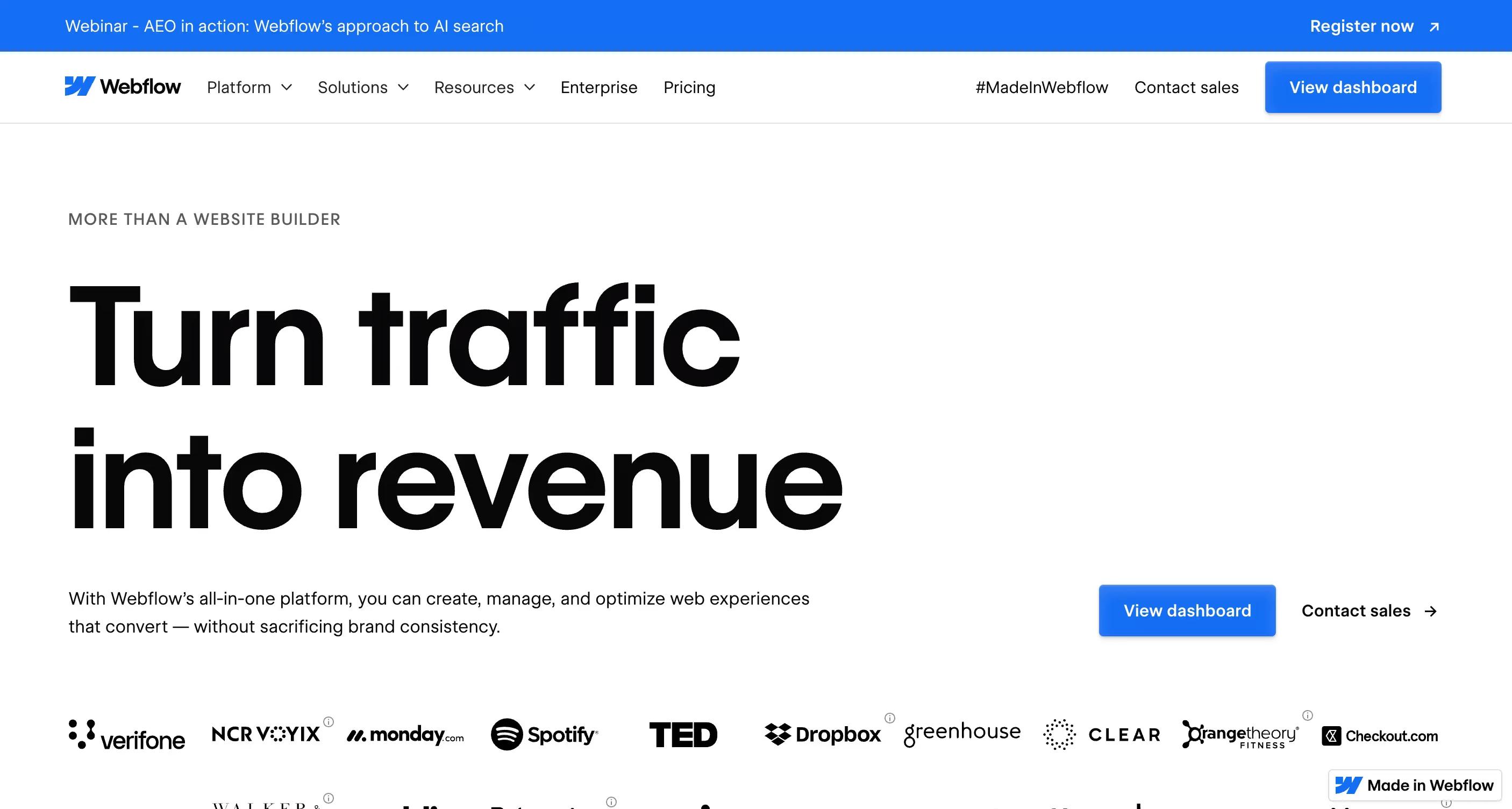
Best for: businesses and agencies that want full design control plus a real CMS.
Why we build on it: Webflow is a visual development tool, not just a builder. You get pixel-level control, clean generated code, custom CMS collections, and hosting that scales. For B2B marketing sites that need to look unique and convert, nothing else matches it. We wrote up the full case in our Webflow development guide.
Watch out for: the learning curve is real. It rewards people who understand layout fundamentals and punishes guessing.
Pricing: free starter plan; site plans from roughly $14 a month, CMS plans from the low $20s billed annually.
Verdict: if the site is a growth asset rather than a brochure, this is our pick. (Yes, we're a Webflow partner. We chose it before that was true.)
4. WordPress.org: best CMS for content-heavy sites
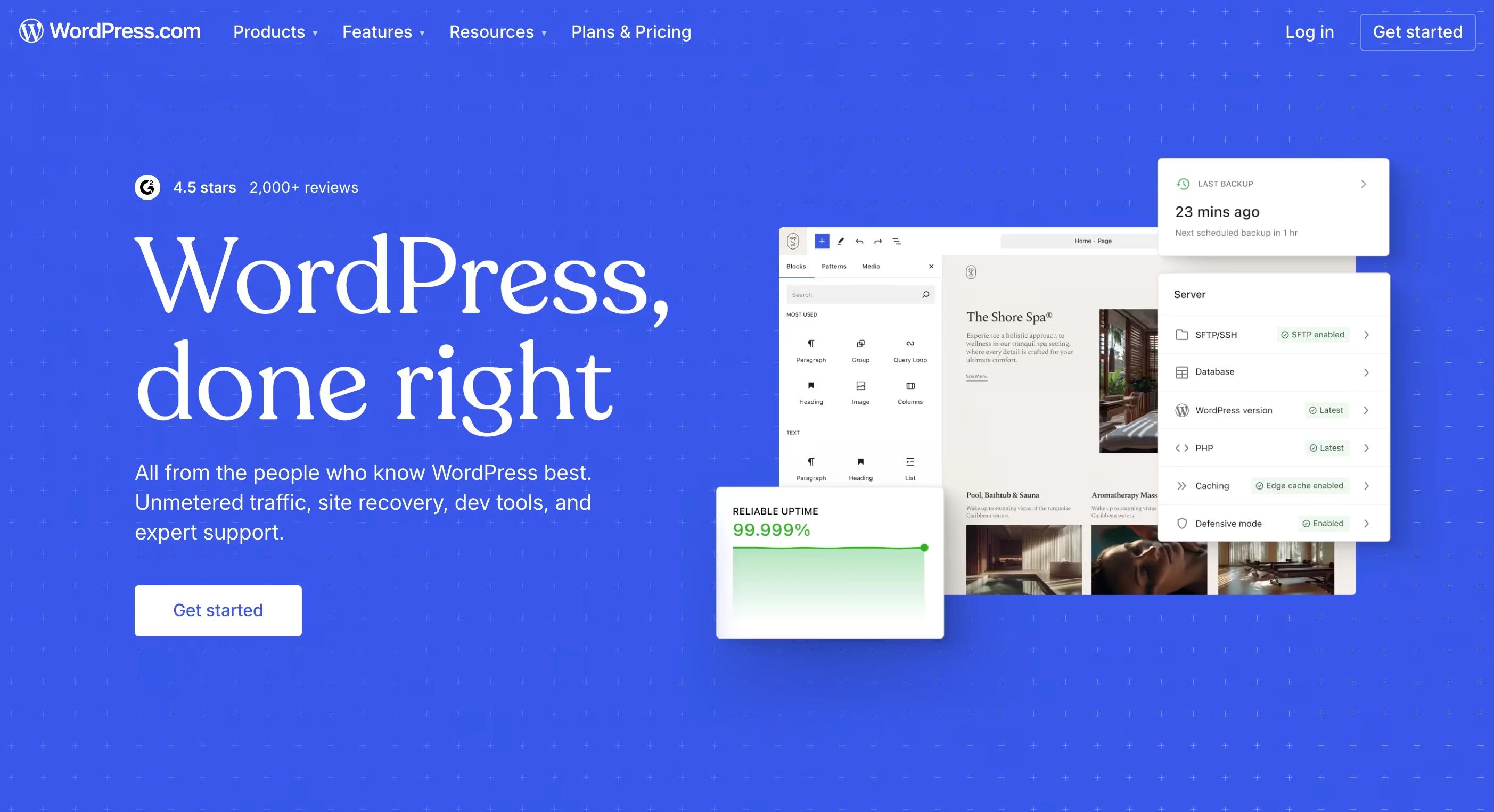
Best for: blogs, publications, and power users who want plugin-level flexibility.
Why it's still here after two decades: it runs a huge share of the web for a reason. Open source, thousands of themes and plugins, and no vendor can take it away from you.
Watch out for: you own the maintenance. Updates, backups, security, and plugin conflicts are your job or your developer's.
Pricing: the software is free; decent hosting starts around $5 to $20 a month.
Verdict: maximum flexibility in exchange for maximum responsibility.
5. Shopify: best for e-commerce

Best for: anyone selling physical or digital products at scale.
Why it owns this category: inventory, payments, shipping, multi-channel selling, and an app store that covers every edge case of running a store. The checkout is battle-tested, which is where e-commerce money is won or lost.
Watch out for: transaction fees unless you use Shopify Payments, and app costs that stack up quietly.
Pricing: Basic from roughly $29 a month billed annually (more month to month), plus payment processing fees.
Verdict: if the store is the business, start here.
6. Framer: best for modern design lovers
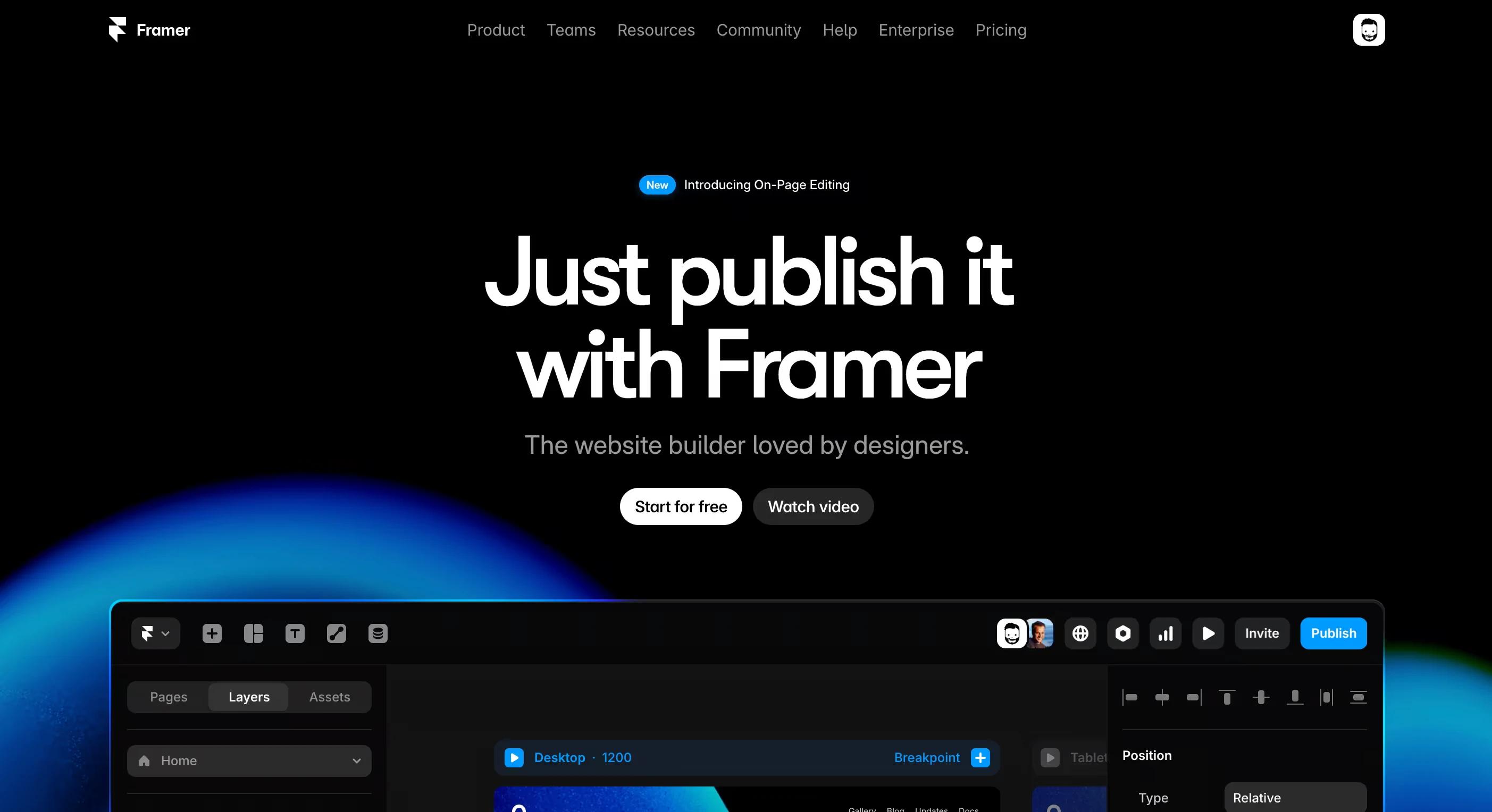
Best for: designers who live in Figma and want a slick, animated site fast.
Why designers love it: it feels like a design tool, not a form-filler. Animations and responsive behavior are native, and publishing is instant. For portfolios and startup landing pages it's a genuine Webflow rival.
Watch out for: the CMS and e-commerce side is thinner than Webflow's. Big structured sites outgrow it.
Pricing: free to start; paid plans roughly $5 to $30 a month depending on tier.
Verdict: a joy for design-led sites that don't need deep content structure.
7. Carrd: best for one-page sites
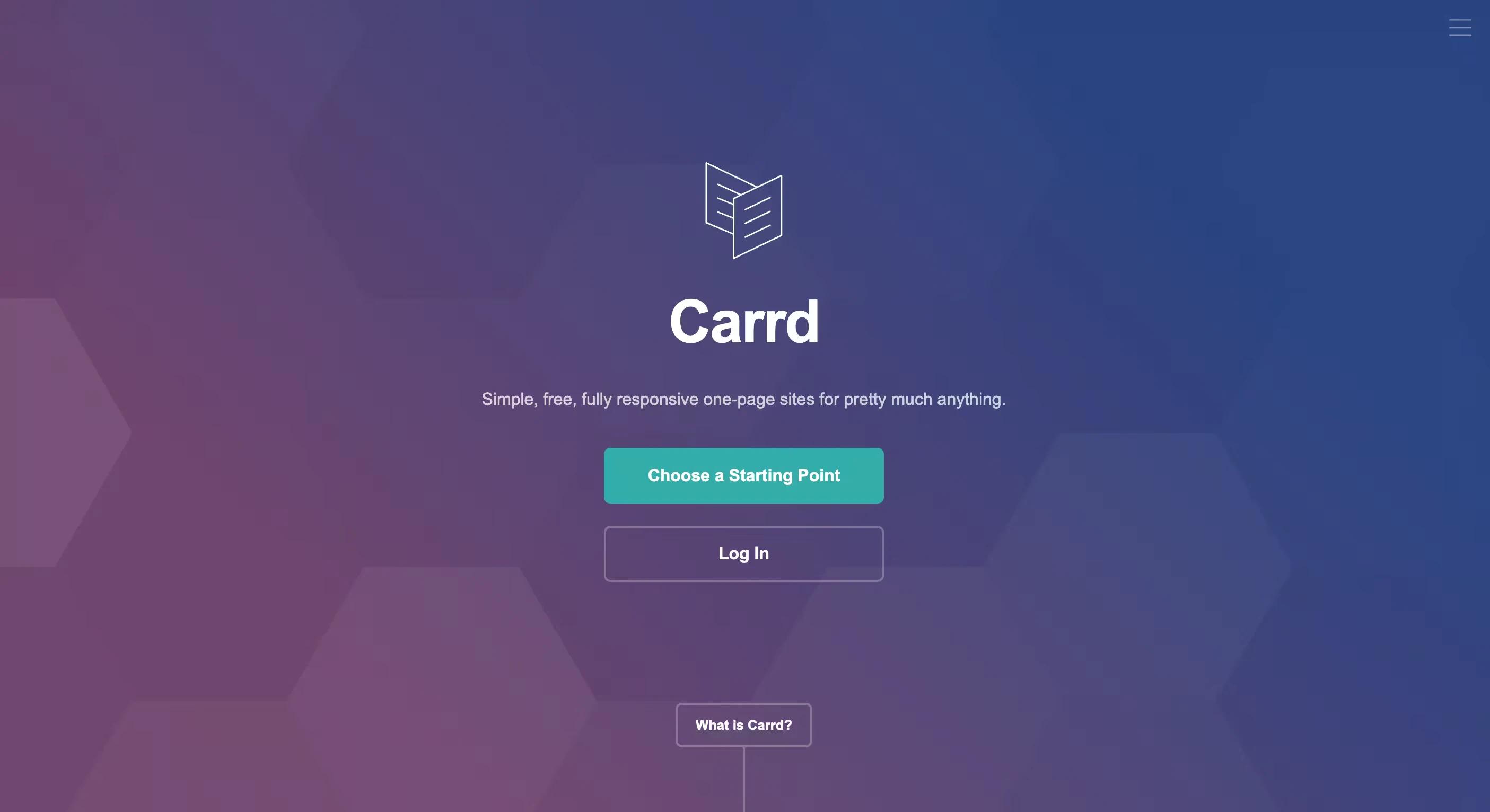
Best for: landing pages, personal pages, event pages, and link-in-bio sites.
Why it punches above its weight: you can go from nothing to a clean, fast one-pager in under an hour, and the pricing is almost comically low. We like it enough that we wrote a full Carrd guide.
Watch out for: it's one page by design. The moment you need a blog or multiple pages, you've outgrown it.
Pricing: free plan; Pro tiers from around $9 to $49 a year. Per year, not per month.
Verdict: the fastest, cheapest way to put one good page online.
8. Duda: best for agencies and teams
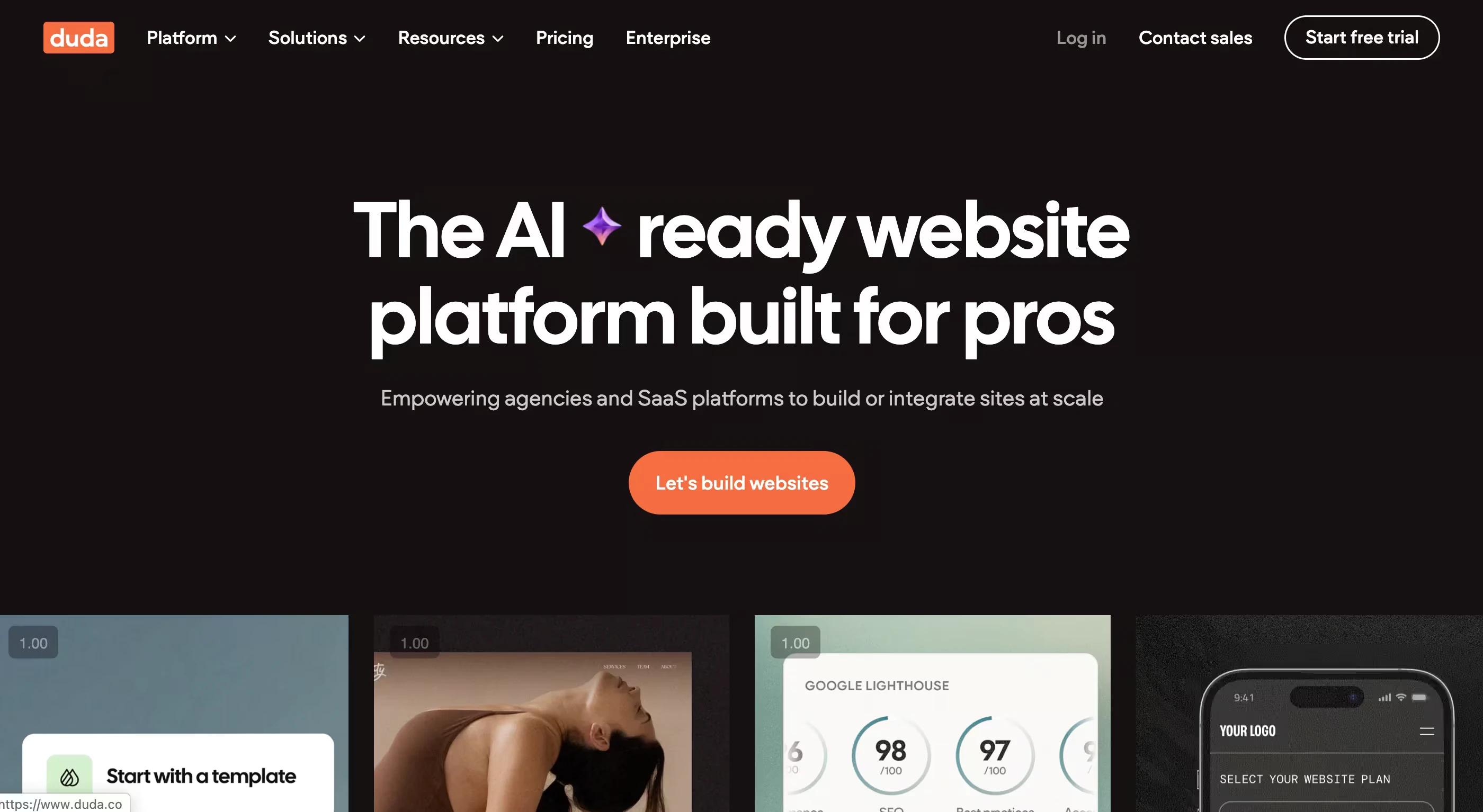
Best for: agencies producing many client sites on a repeatable process.
Why agencies pick it: white labeling, client permissions, team collaboration, and widgets built for cranking out solid small-business sites quickly.
Watch out for: design ceilings. It optimizes for volume and consistency, not for one-of-a-kind brand sites.
Pricing: from roughly $15 to $25 a month per site, with agency plans above that.
Verdict: a production line for client work, and a good one.
9. Hostinger Website Builder: best on a budget
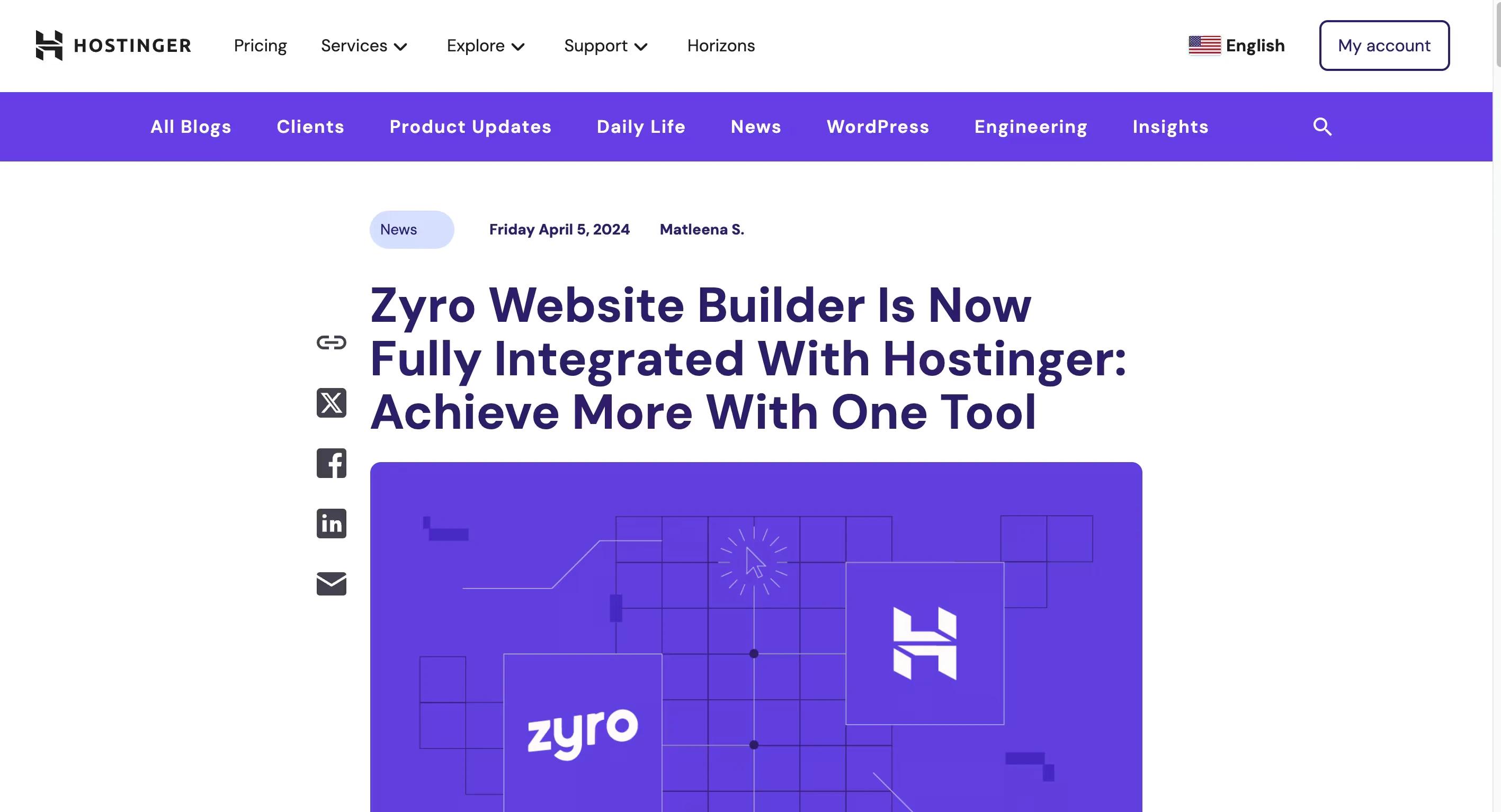
Best for: beginners who want a decent site and hosting for the price of a coffee.
A naming note: this was formerly Zyro. Hostinger folded Zyro into its own platform and discontinued the standalone product, so if you're searching for Zyro reviews, this is where it went.
Why it earns a spot: AI-assisted setup, simple editing, and hosting bundled in at one of the lowest entry prices anywhere.
Watch out for: promotional pricing that renews higher, and limited flexibility compared to everything above it on this list.
Pricing: bundled with hosting from roughly $3 a month on introductory terms.
Verdict: a fine first website. Plan to graduate eventually.
10. Elementor: best drag-and-drop builder for WordPress
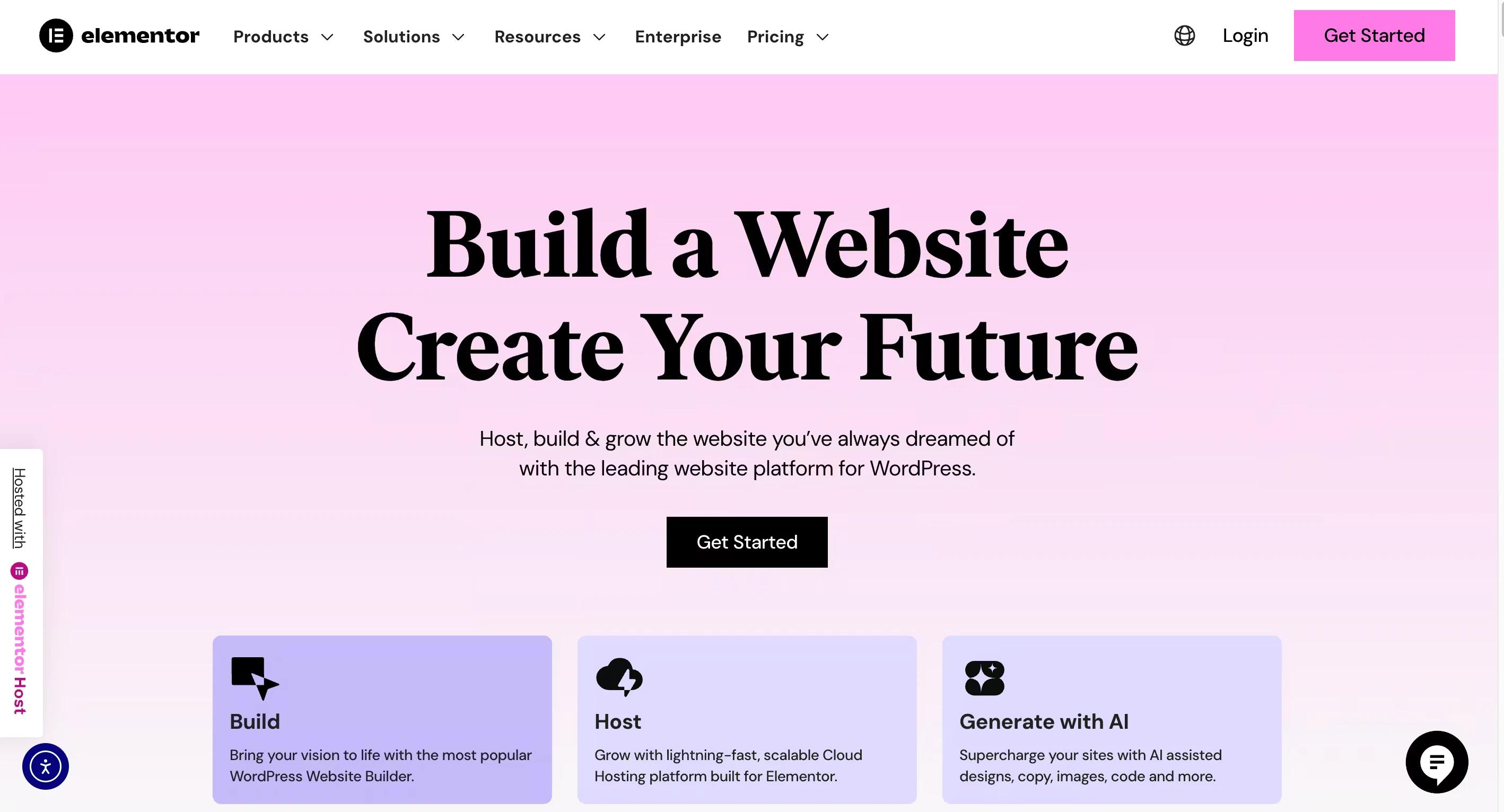
Best for: WordPress users who want visual control without touching code.
Why it closes the list: it layers a visual builder onto WordPress, giving you design freedom plus the whole plugin ecosystem. For teams already invested in WordPress, it's the natural upgrade.
Watch out for: page bloat. Heavy Elementor builds can get slow without careful optimization.
Pricing: free core version; Pro from around $59 a year.
Verdict: near-Webflow control for people who aren't leaving WordPress.
So which one should you choose?
- Everything in one easy package: Wix or Squarespace.
- Custom design control that scales: Webflow, or Framer for lighter sites.
- Content-heavy publishing: WordPress.
- Serious e-commerce: Shopify.
- One page, tiny budget: Carrd or Hostinger.
- Many client sites: Duda.
Pick for where you'll be in two years, not just launch week. Migrations are the tax you pay for choosing on price alone.
FAQ
What's the best website builder for a small business?
Wix or Squarespace if you're building it yourself; Webflow if a designer is involved and the site needs to drive leads rather than just exist.
Is Webflow harder to learn than Wix?
Yes. Wix is built for beginners; Webflow assumes you understand layout concepts like flexbox and grid. The payoff is far more control once you do.
What happened to Zyro?
Hostinger discontinued Zyro as a standalone product and merged it into Hostinger Website Builder. Existing Zyro sites were migrated over.
Can I switch builders later?
You can, but it's a rebuild, not an export. Content moves; design and structure usually don't. Choose deliberately up front.